Once you understand the basics you might consider these points as a starting approach:
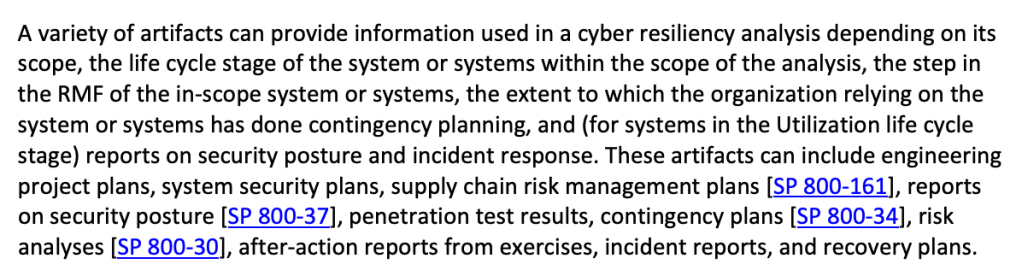
Perform a ‘cyber resilience maturity audit’
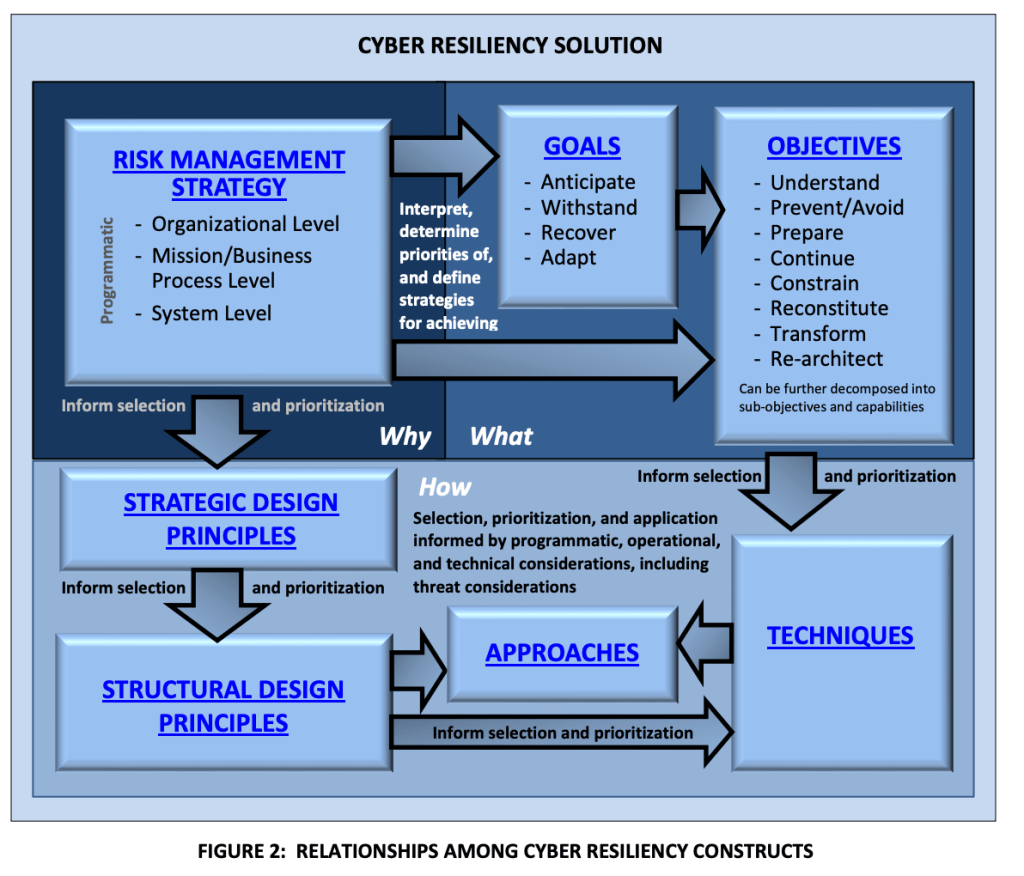
Using 800-160 V2 create a checklist to discuss and better understand your organization’s maturity around cyber resiliency.
Identify security tools to enable and improve on your cyber resiliency, eg:
Microsoft Defender for Cloud – Use the built in NIST regulatory standsards to enforce configuration of resources with resilience – eg. don’t allow VMs without backups enabled and redundancy features configured.
O365 Compliance Manager – Create assessments using the NIST templates to identify misconfigurations.
Microsoft Secure Scores – use the several available Secure Scores in O365 and Azure to improve security posture.
Sentinel – Configure alerts to monitor resiliency related issues.
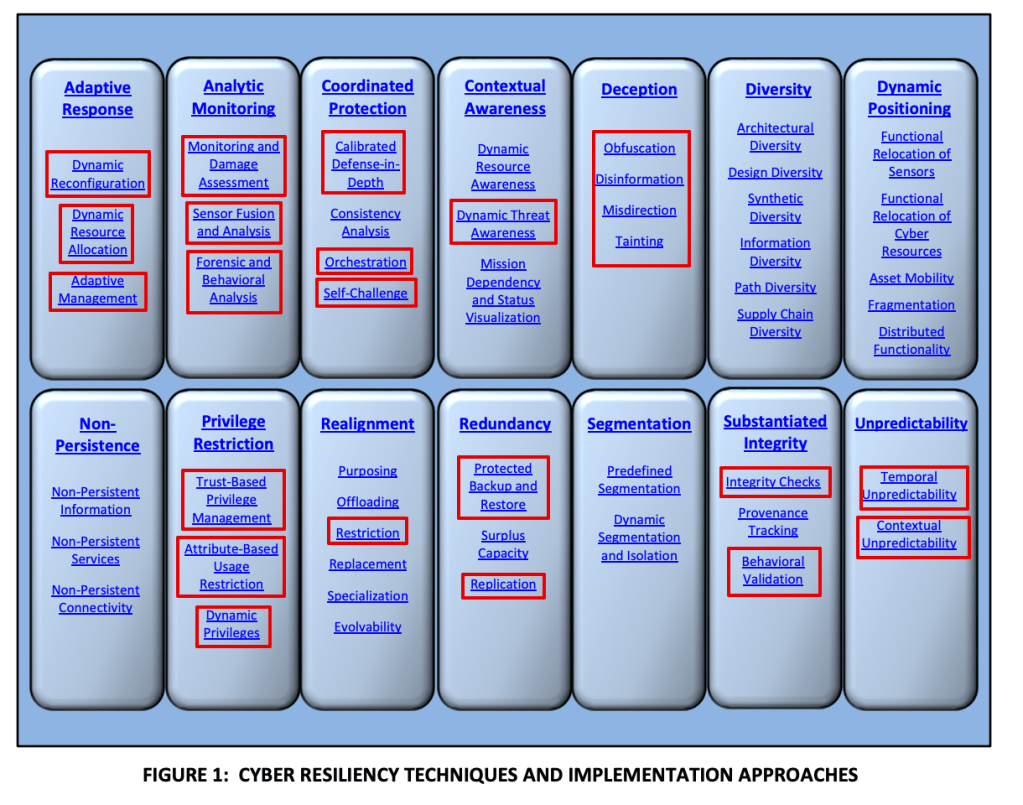
Areas in red can be monitored using Sentinel and Defender for Cloud (and possibly more, just what I know about):
Here is where 800-160 refers to other NIST controls, some of which are templates within Defender for cloud and O365 Compliance Manager (800-70 and 800-37 are premium templates so extra $$):
logger -p local4.warn -t CEF “CEF:0|Microsoft|ATA|1.9.0.0|AbnormalSensitiveGroupMembershipChangeSuspiciousActivity|Abnormal modification of sensitive groups|5|start=2018-12-12T18:52:58.0000000Z app=GroupMembershipChangeEvent suser=krbtgt msg=krbtgt has uncharacteristically modified sensitive group memberships. externalId=2024 cs1Label=url cs1=https://192.168.0.220/suspiciousActivity/5c113d028ca1ec1250ca0491“
Then replace the sample log with your own and see if it also gets through.
Also verify that if you remove your rsyslog CEF filter that the logs at least get to syslog. If they do, then it’s possible this is an unsupported CEF format. Which isn’t terrible because you can still parse the logs using KQL.
To check if your logs are event getting to your syslog server use tcpdump eg: tcpdump -i any port syslog -A -s0 -nn
And note that you could be seeing your logs with the above tcpdump command but they’re still not getting to Sentinel. In that case check if the local firewall rules are blocking syslog.
If you find out it’s an unsupported CEF format it’s still possible to fix but it likely involves regex changes to the rsyslog configuration in security_events.conf or elsewhere. (see reference below).
Create a list of all your available logs (see ‘next step’ below for a long list of suggested logs)
Configure your SIEM to collect those logs.
Create your ‘use cases’, with whatever tools you have in your SIEM.
Note that all logs are not created equal. The type of log will determine the options for the use cases. Generally speaking you’ll find the following types of logs in your environment.
login activity
configuration changes
errors
network traffic
threats
Before considering correlations/alerts, create search queries to validate what information exists in the logs. Here’s a high level list of search queries to make for most log sources:
AUDIT – Basic queries that present the most important fields in the log. eg: date,username, source, destination, action
HUNT – More advanced queries designed to search for a specific pattern, eg. login denies, high severity intrusions
INVESTIGATE – Queries to search for more details on a given ‘entity’ – eg. search all events for a given username or hostname.
Here’s a good range of detections that any SIEM should have:
Use Case Examples
Endpoint Detections (EDR logs – endpoint detect and response)
Network Intrusion Detections
DNS threats (eg. Cobalt Strike Beacon Detection to known IPs)
Firewall threats (eg. high rate of denies by source, destination)
Policy Violations (eg. detected those detected by Microsoft Defender for Cloud)
Suspicious/Risky User Activity (eg. Defender for Identity agent on Domain Controllers)
Threat Intelligence (eg. outbound traffic to known bad IP)
Endpoint and Identity alerts on sensitive assets (eg. maintain a list of sensitive/critical assets)
Alerts for sensitive users (maintain a list of sensitive/critical/privileged users)
Command and Control alerts (from EDR logs)
Lateral Movement alerts (Threat based alerts like EDR and unusual traffic across network zones – eg. port scan from workstation zone to server zone)
Next Step Suggestions
Apply ‘meta’ information to your use cases by creating lists of information such as:
Administrators
Privileged Users
Critical Assets
Risky users
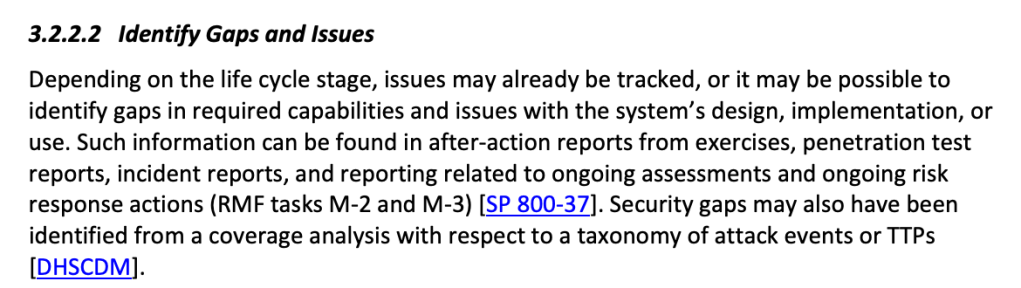
Identify gaps in your log collection, based on a ‘master list’ of desired log sources, acquire these missing sources and build more use cases to improve your attack surface monitoring.
Example log source gap list:
5G Wireless WAN App App Gateway Application/COTS/Custom AV/Anti-Malware Call Management CASB Cloud Audit Cloud Infrastructure Security Cloud Resource Management Data Management (Labeling & Protection) Database Database Monitoring DDoS Decoy DHCP Diagnostics & Monitoring DLP DNS DNS Security eCommerce EDR Email Protection Email Server/Mail gateway Enterprise Risk / Data Lake External/Internal TI Feed Fiber Switch File Integrity Monitor (FIM) Firewall/IDS Honeypot Identity & SSO Identity Management Identity Protection IoT Key Storage Load Balancer/VPN MDM NAC NetFlow Network Traffic NIDS NIDS/NIPS Privileged Access Management (PAM) Remote Access and VPN Router/Switch SaaS SAN Security Configuration Management Servers Streaming Data Storage (Revenue Accounting) System (OS) UBA/Threat Analytics Virtual Machines Vulnerability scanner WAF WAF/Web Proxy/Web Content Filtering Web WebApp Scanner Wireless Access WirelessLAN
Need more ideas?
Simply search for ‘siem use cases’ and you’ll likely find a lot.
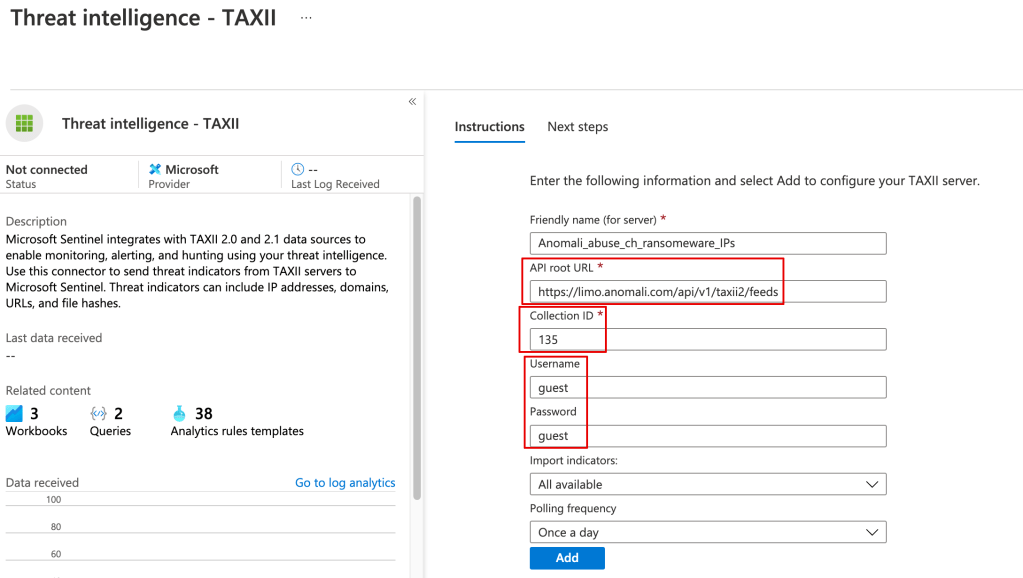
Once the threat data is loaded you can use it in your alerting and kql searches, eg:
ThreatIntelligenceIndicator| where NetworkIP != “”
The Hard(er) Way
You can pull in the TI data from Anomali or any other TAXII server using a playbook.
Although there’s a learning curve around using playbooks (Logic Apps), they’ve very powerful, and you can do things like filter out undesired data from your TI feed before it’s stored in Sentinel.
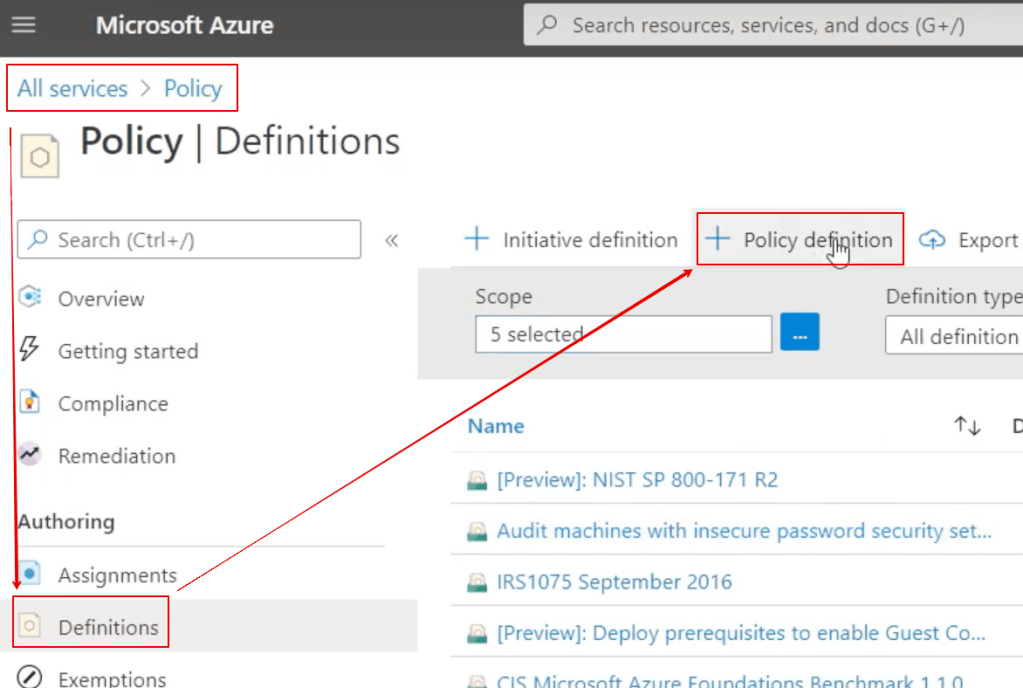
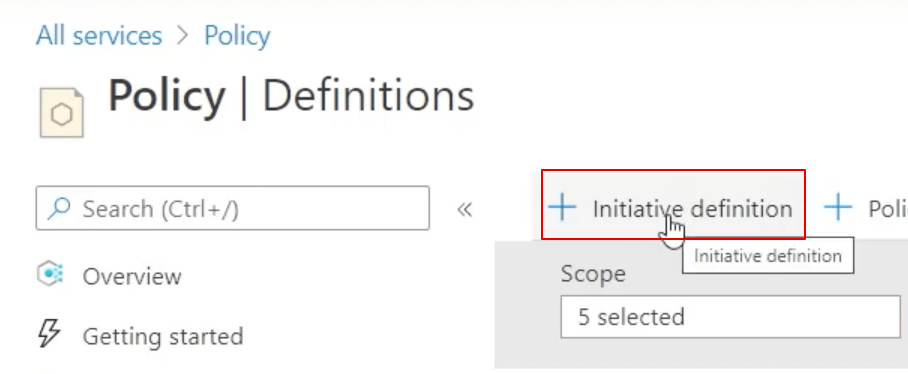
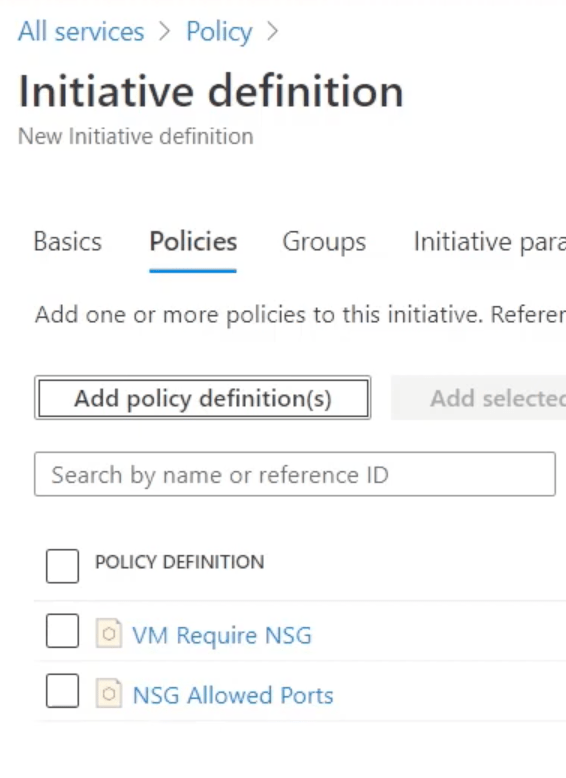
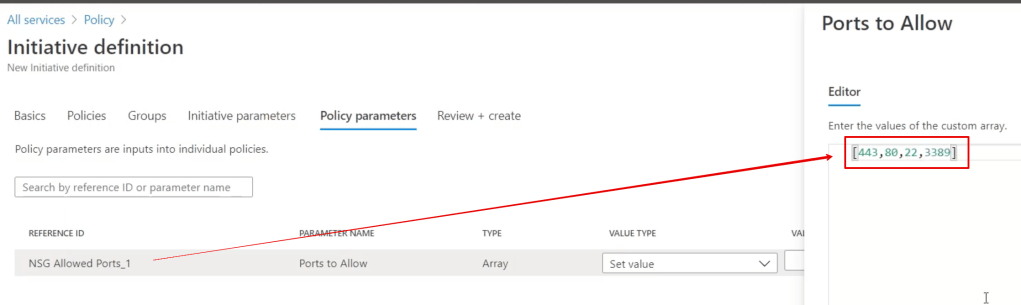
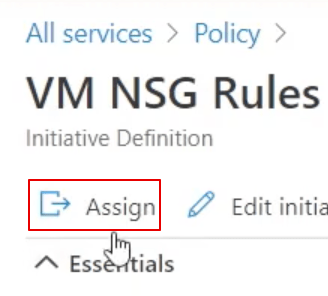
In addition to being a central feature of Azure, it’s at the core of Microsoft’s Defender for Cloud.
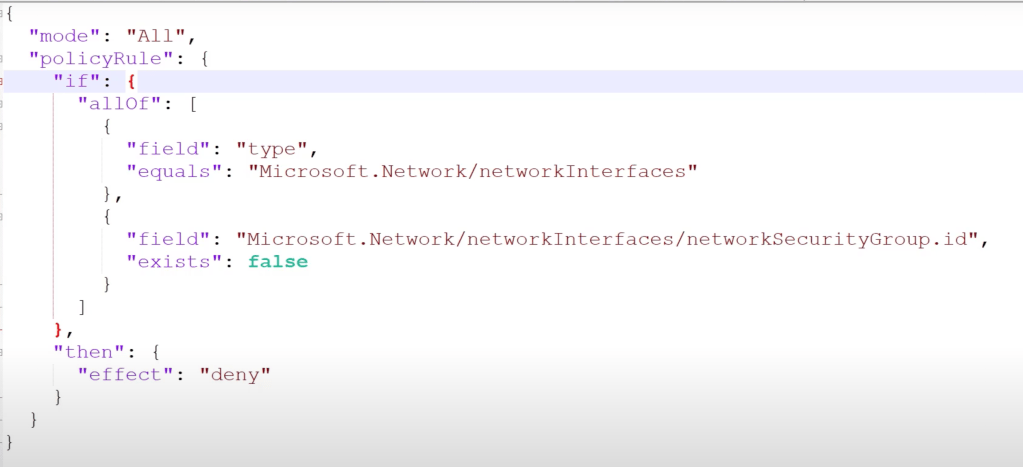
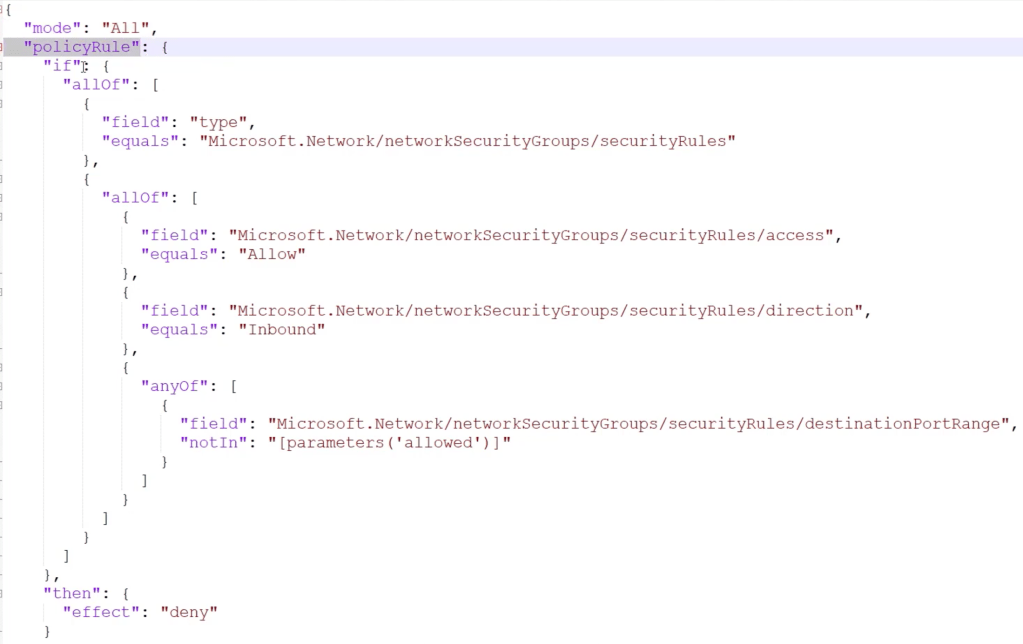
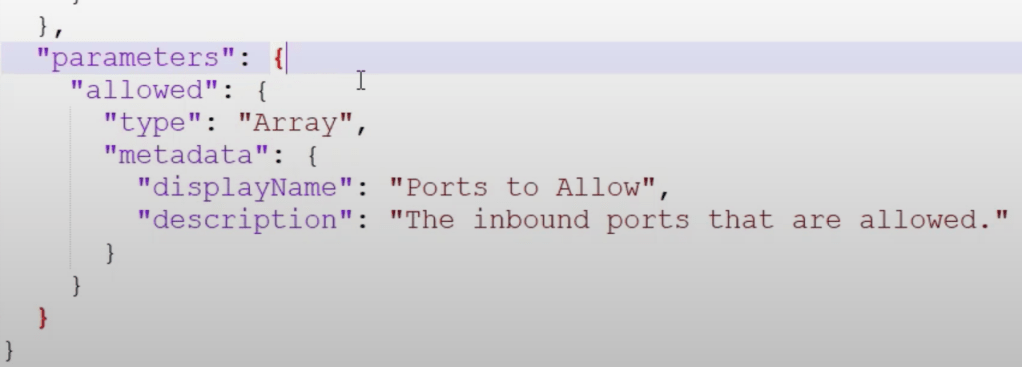
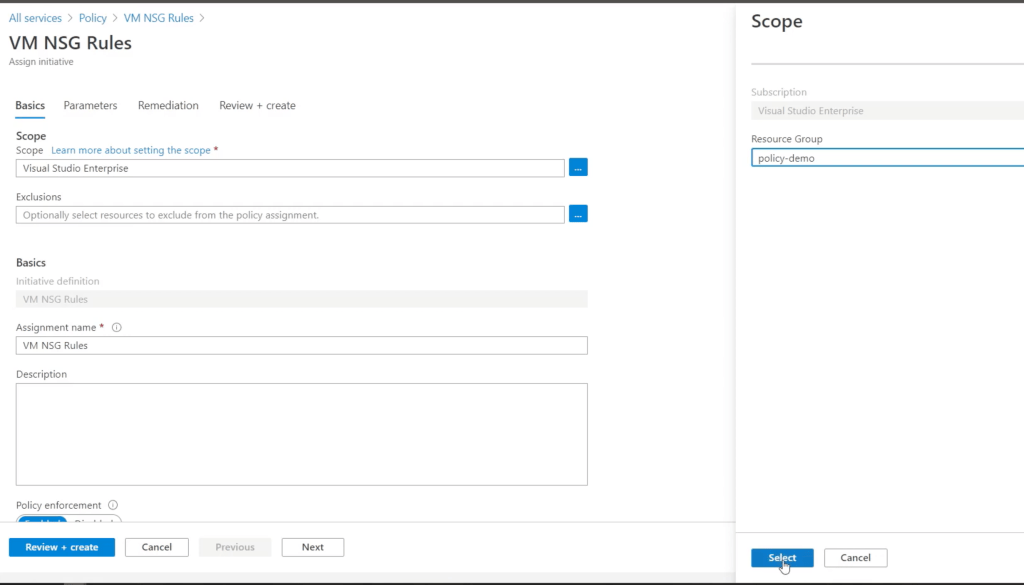
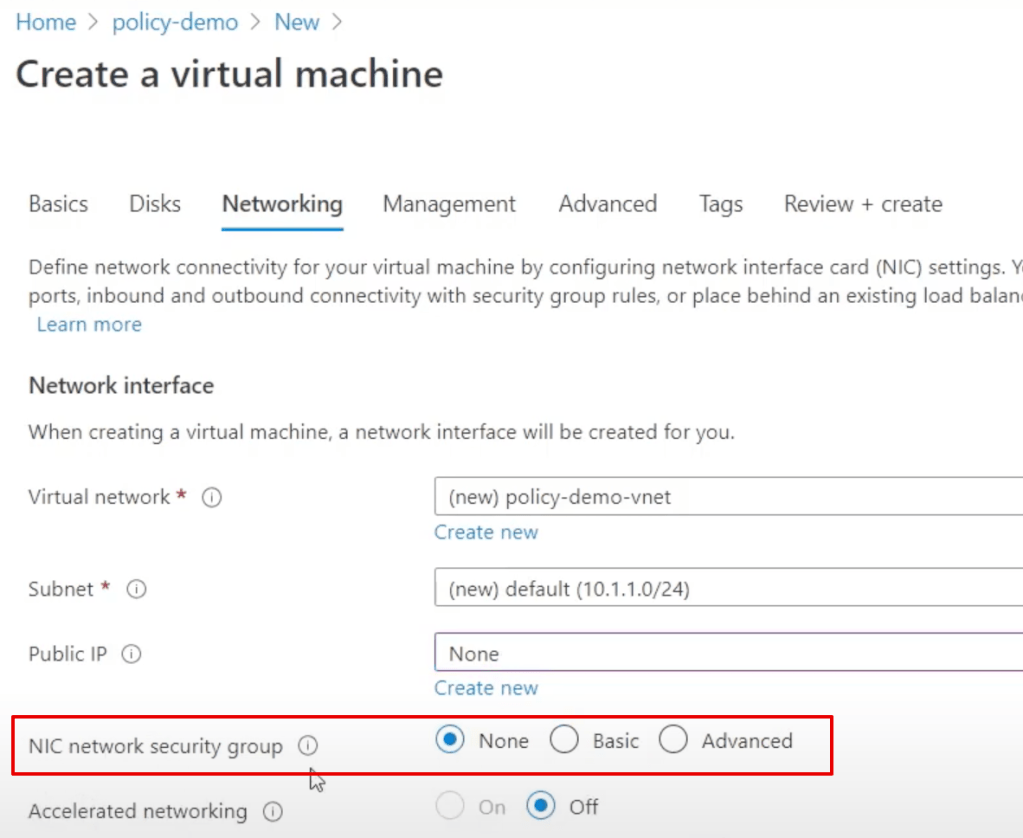
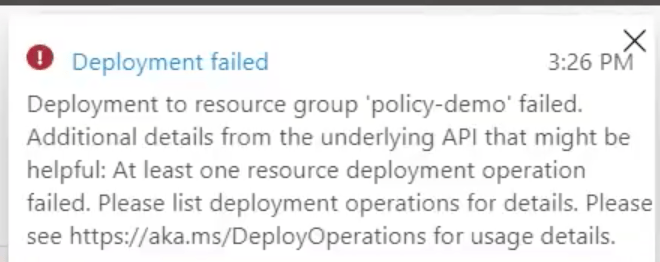
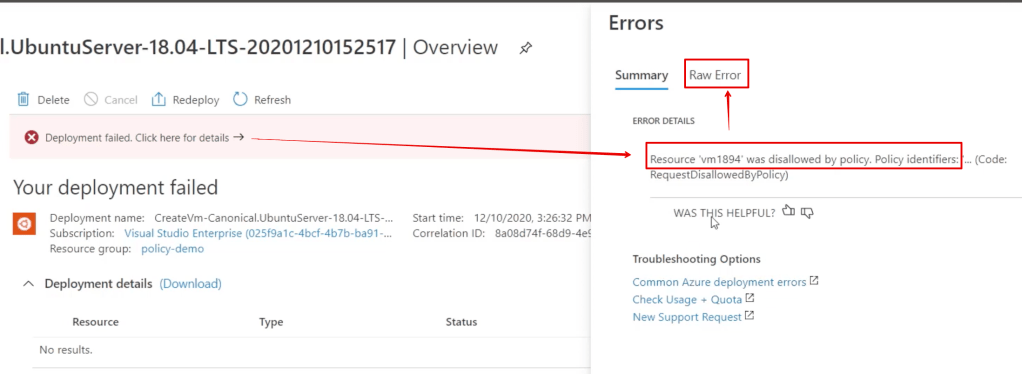
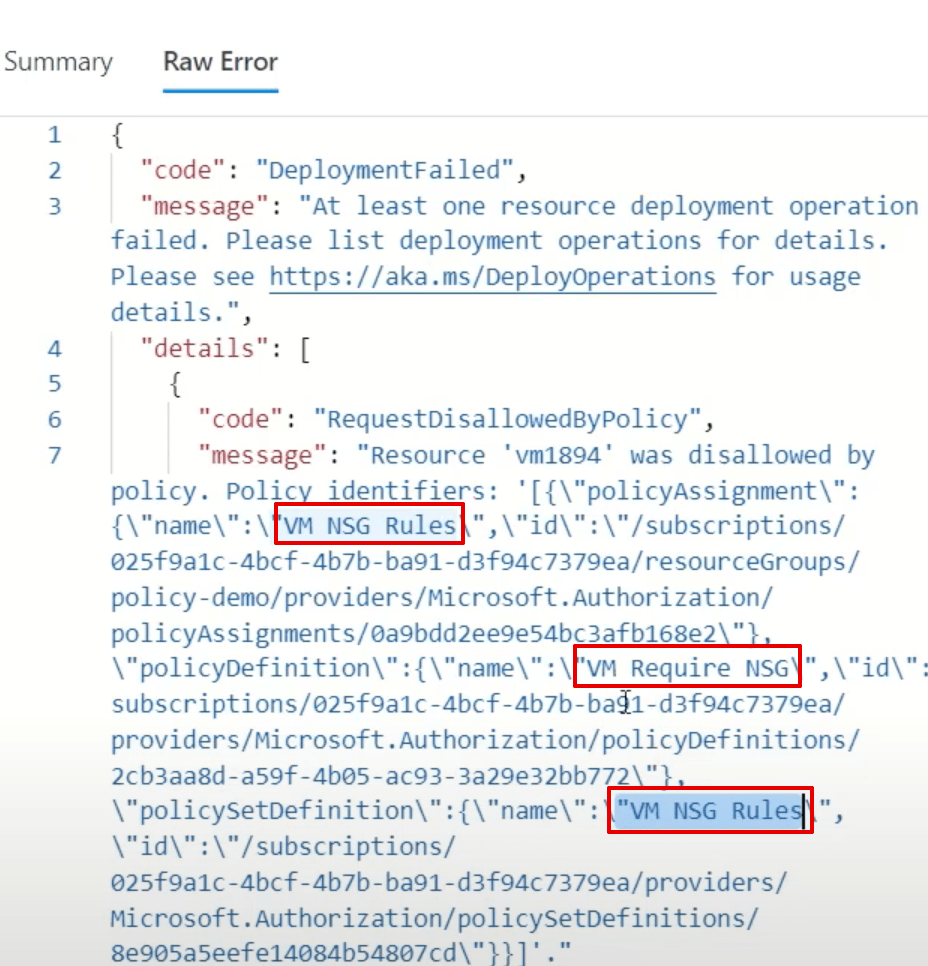
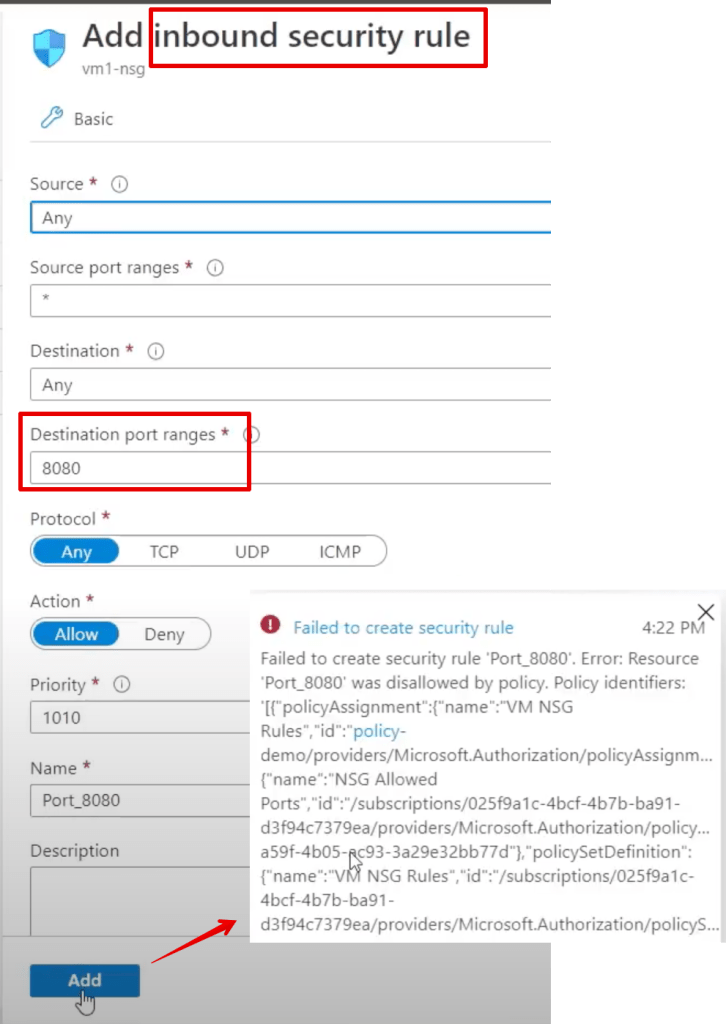
Simply put, Azure policy provides rules which say what you can and can’t do to your resources in Azure.
Defender for Cloud is Microsoft’s CSPM(cloud security posture management), and Azure policy is what it uses to regulate, identity, alert and enforce misconfigurations in Azure, as well as AWS and GCP(Google Cloud).
Microsoft suggests that Intune is the correct tool for mobile device management, and SCCM is what you use for pushing your ‘gold standard’ images to your workstations, servers etc.
Intune also offers an ‘Autopilot‘ feature for pushing OEM images to new workstations where you don’t need to apply custom ‘gold’ images.