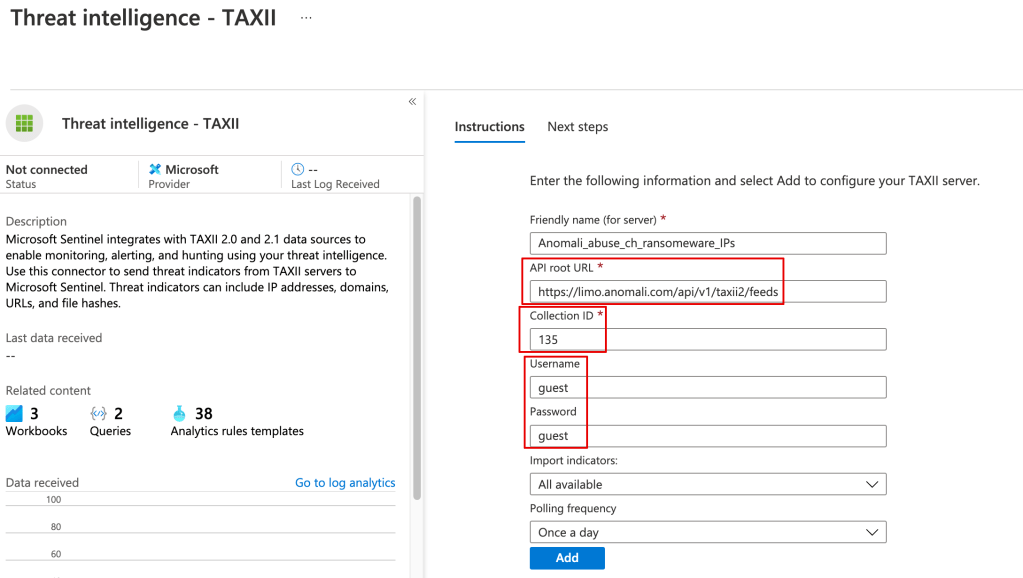
Once the threat data is loaded you can use it in your alerting and kql searches, eg:
ThreatIntelligenceIndicator| where NetworkIP != “”
The Hard(er) Way
You can pull in the TI data from Anomali or any other TAXII server using a playbook.
Although there’s a learning curve around using playbooks (Logic Apps), they’ve very powerful, and you can do things like filter out undesired data from your TI feed before it’s stored in Sentinel.
In addition to being a central feature of Azure, it’s at the core of Microsoft’s Defender for Cloud.
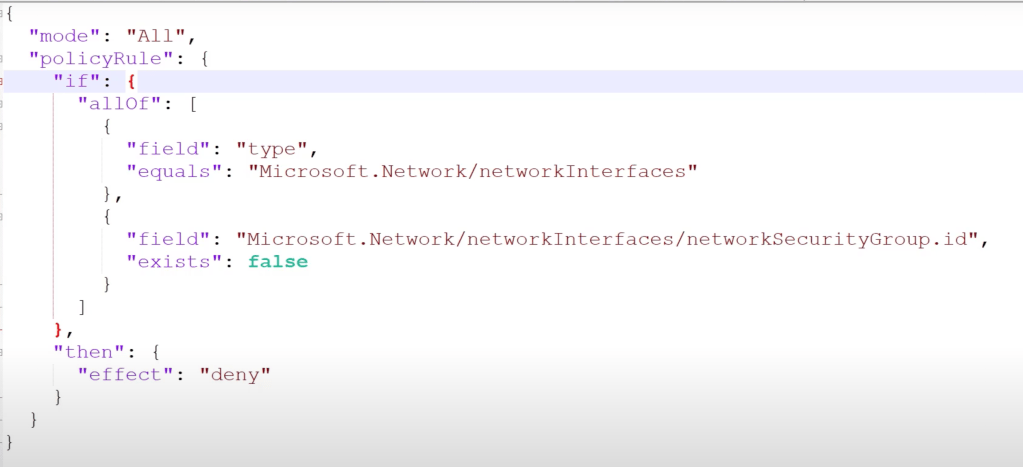
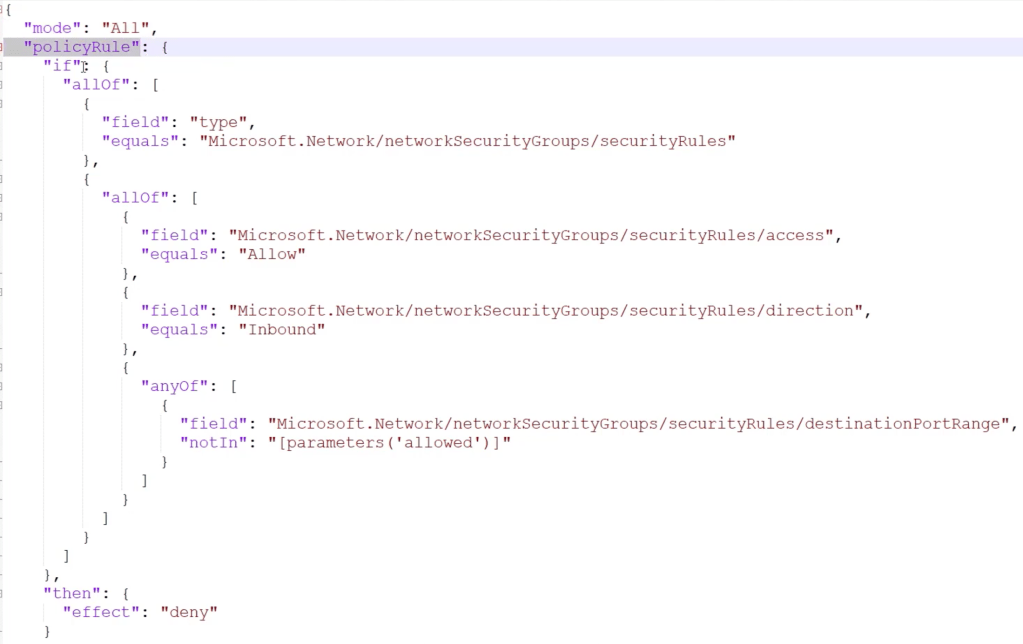
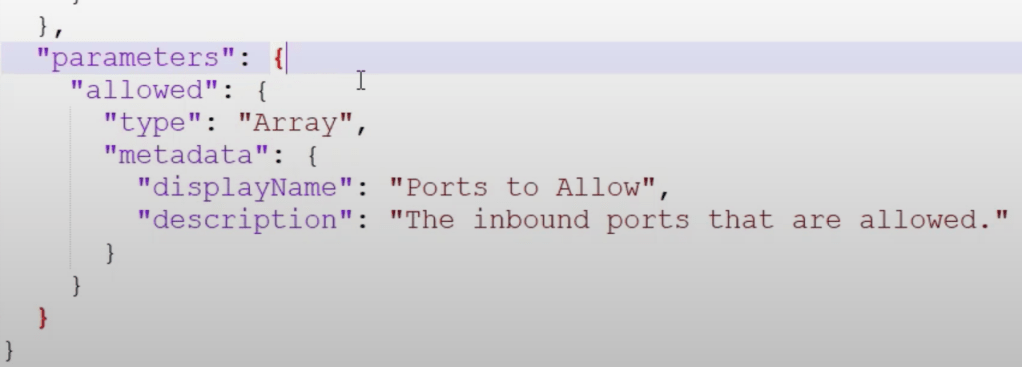
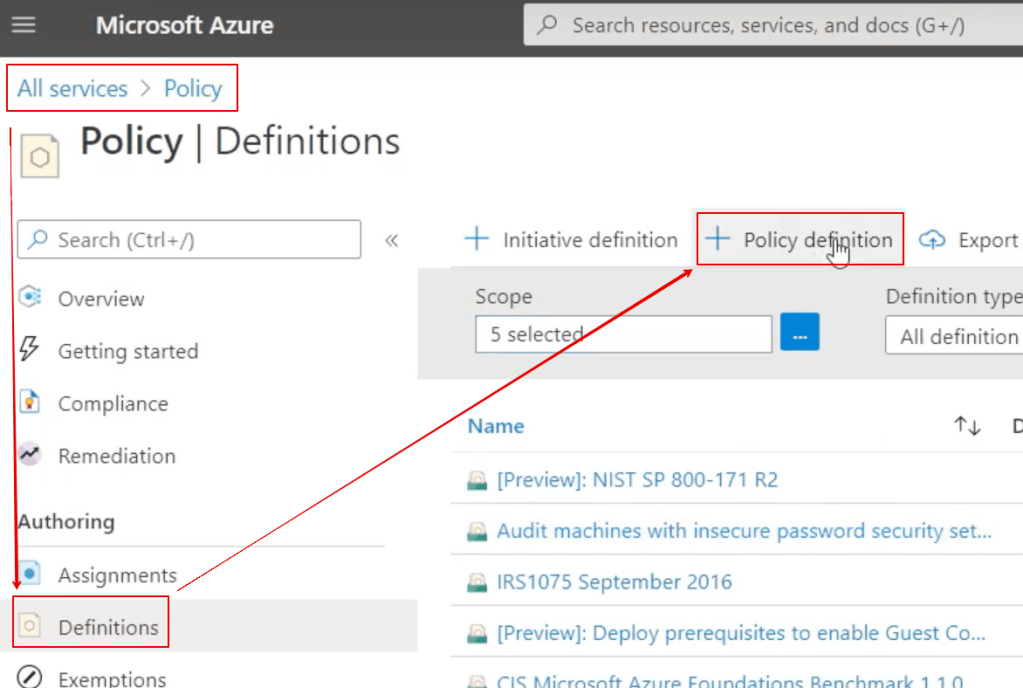
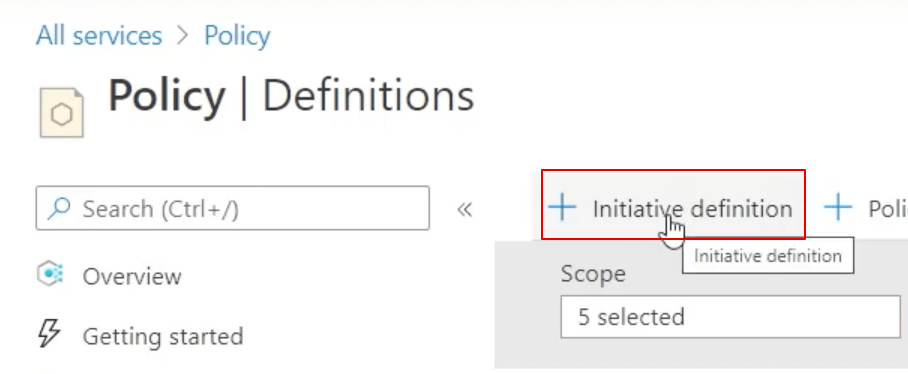
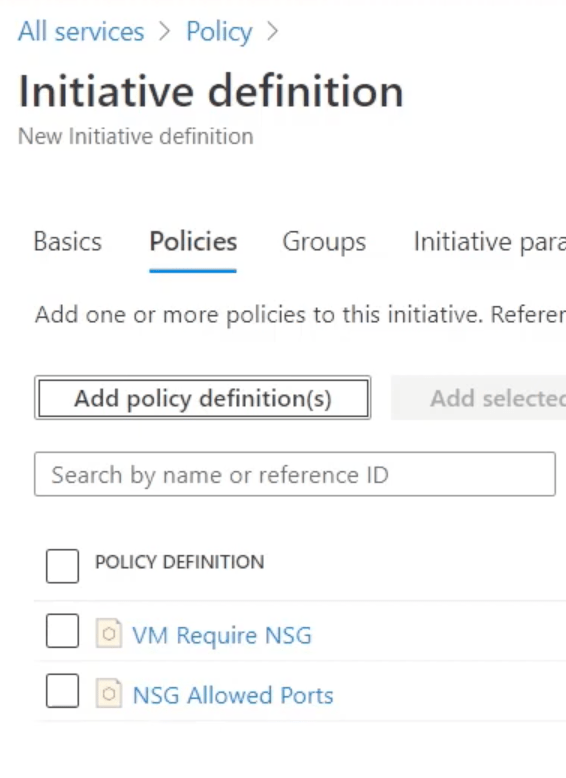
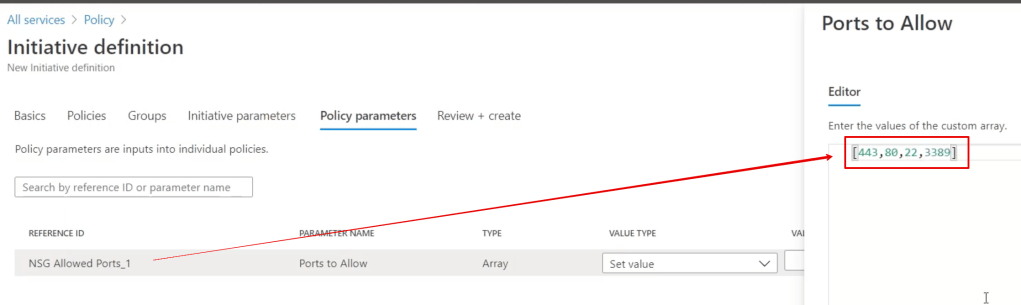
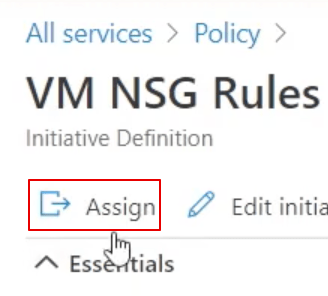
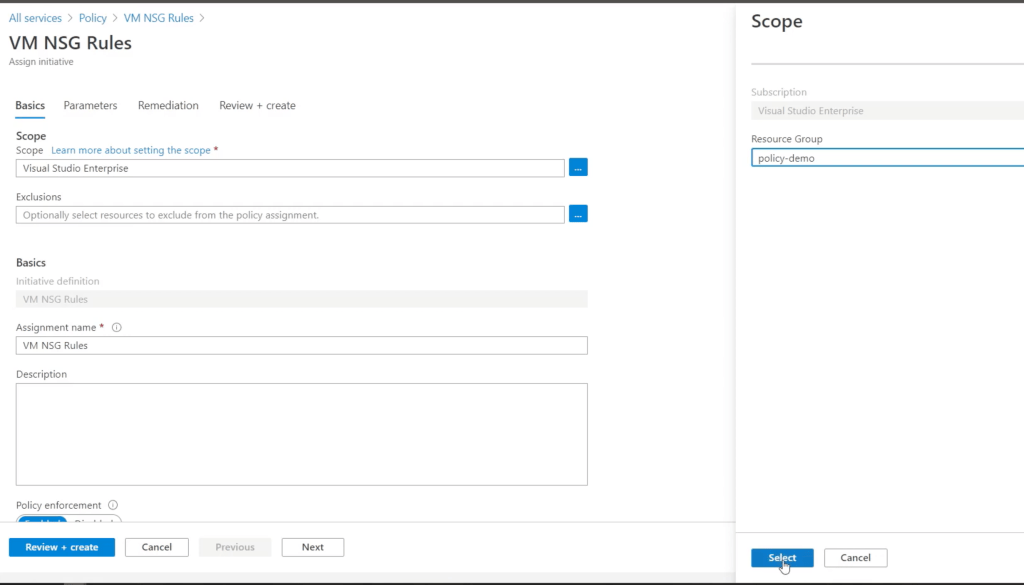
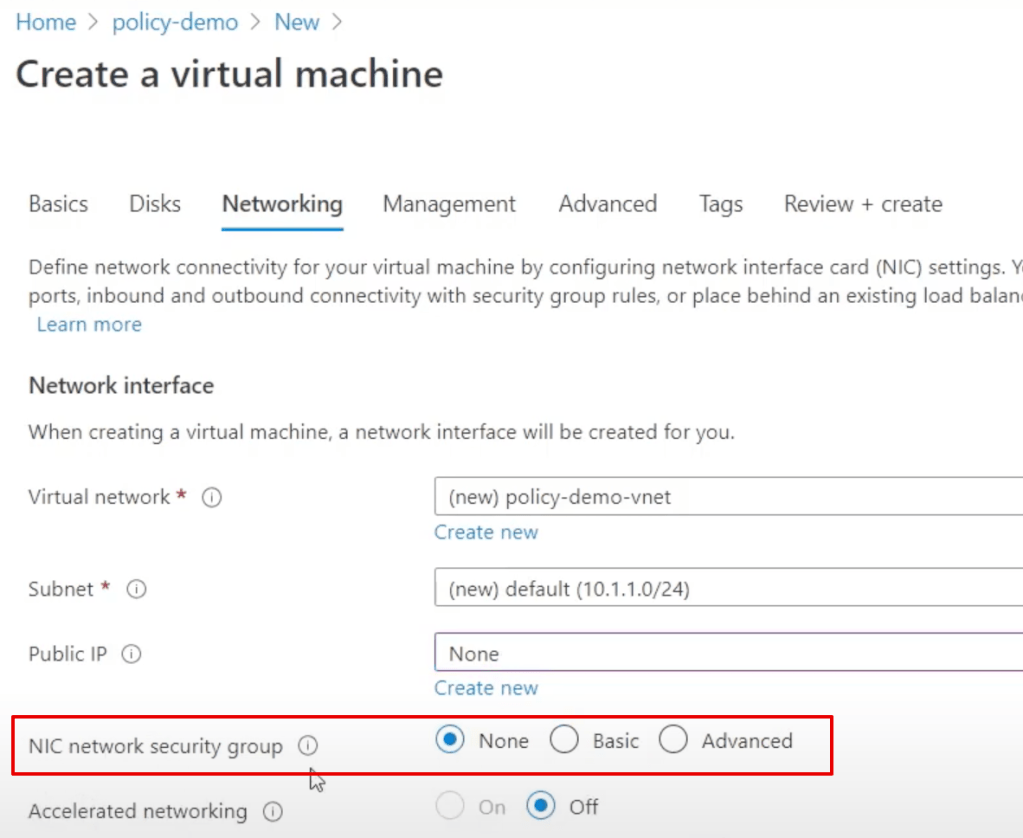
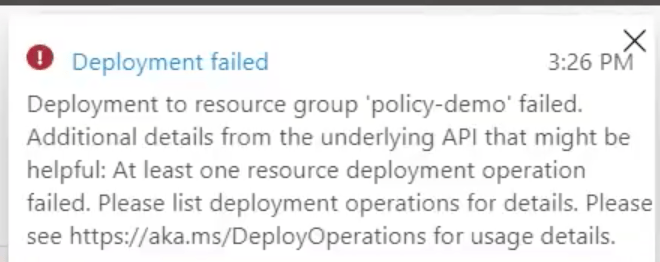
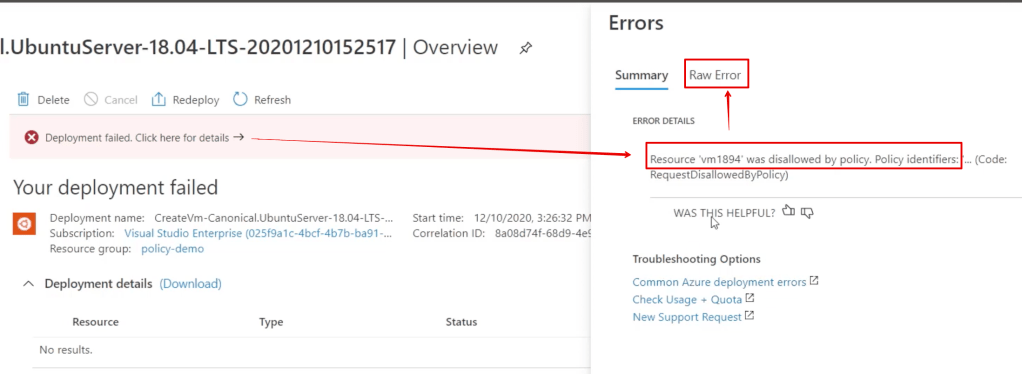
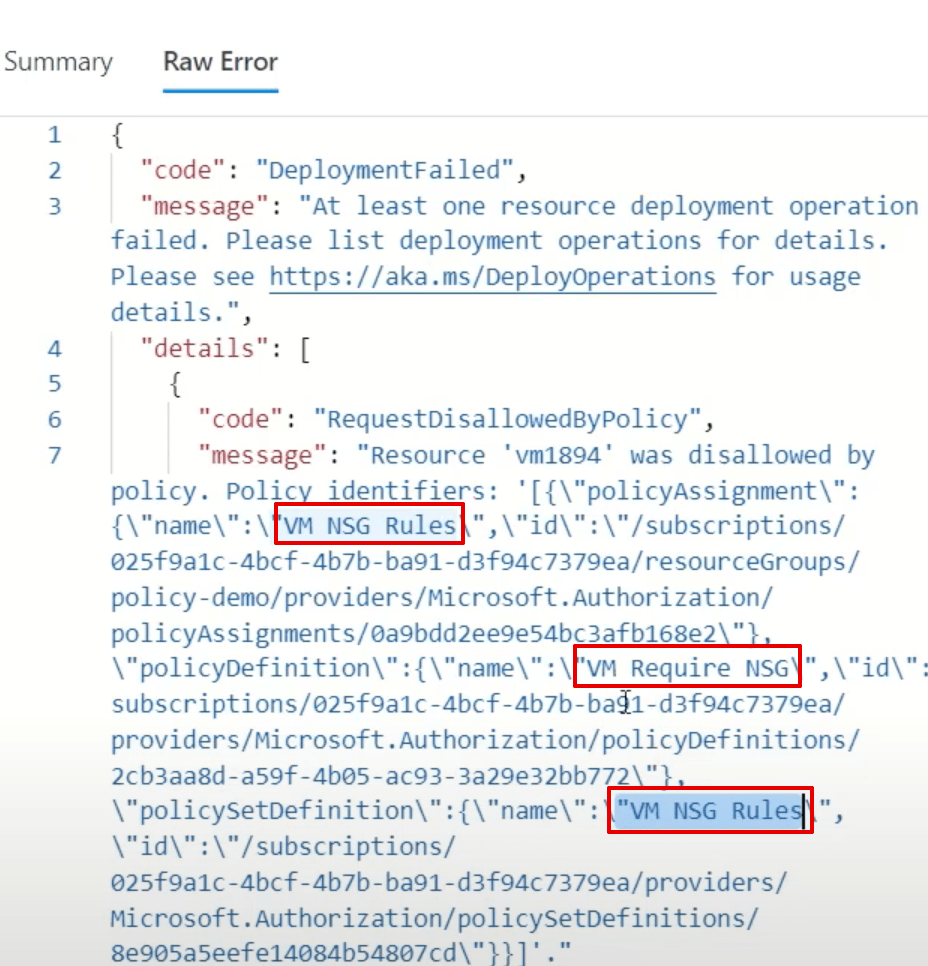
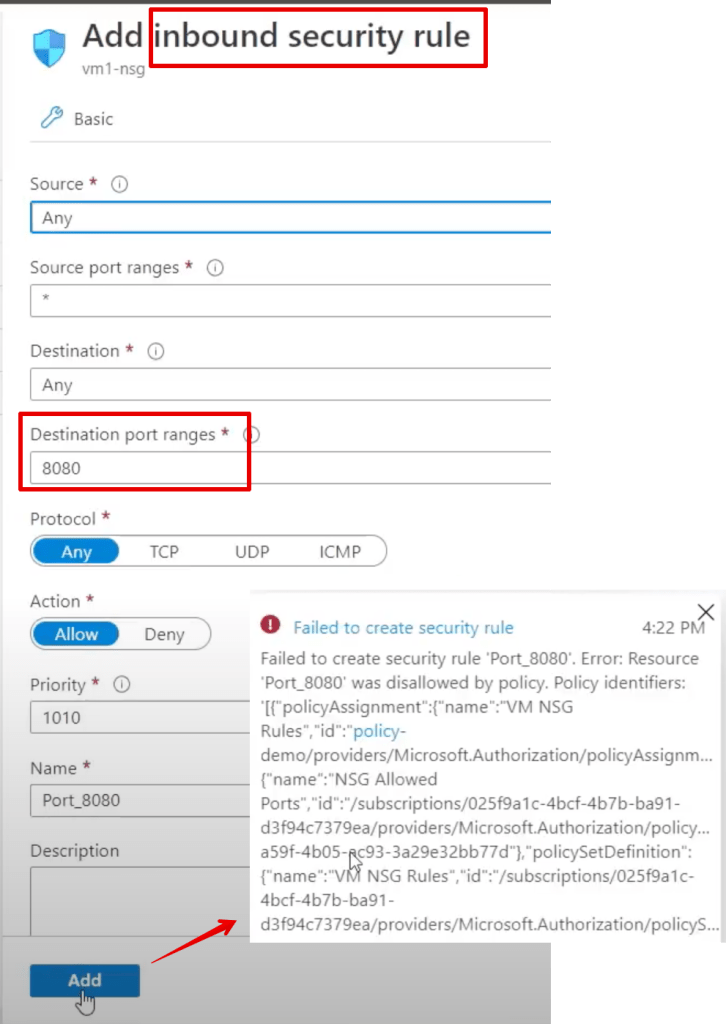
Simply put, Azure policy provides rules which say what you can and can’t do to your resources in Azure.
Defender for Cloud is Microsoft’s CSPM(cloud security posture management), and Azure policy is what it uses to regulate, identity, alert and enforce misconfigurations in Azure, as well as AWS and GCP(Google Cloud).
Microsoft suggests that Intune is the correct tool for mobile device management, and SCCM is what you use for pushing your ‘gold standard’ images to your workstations, servers etc.
Intune also offers an ‘Autopilot‘ feature for pushing OEM images to new workstations where you don’t need to apply custom ‘gold’ images.



 Simple-Security